The Banished Wizard
Platformer 2D Game

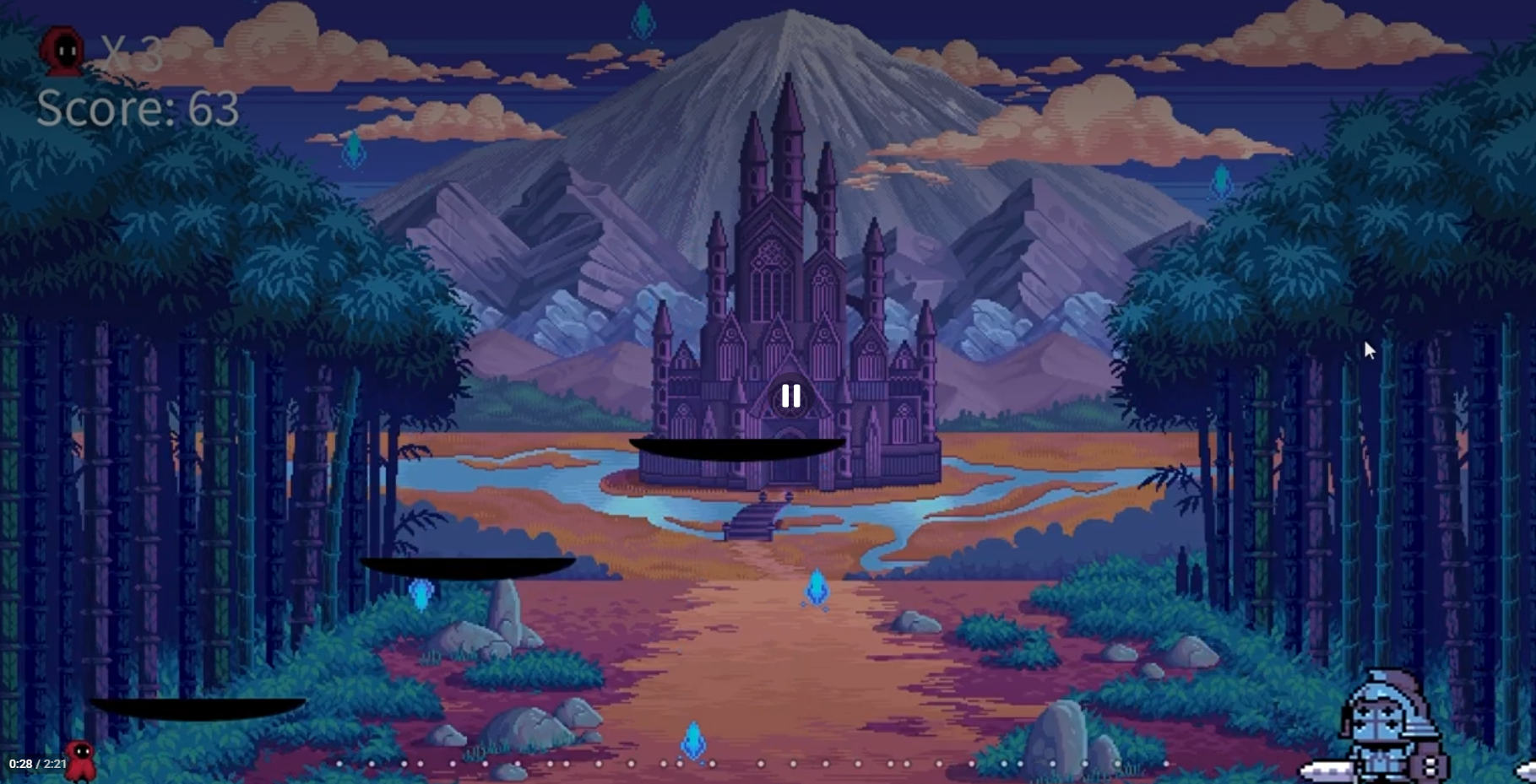
“The Banished Wizard” was an academic individual project in which I had to create a video game using Processing. The instructions for this project were to code any video game from scratch. I chose to build a platformer video game.
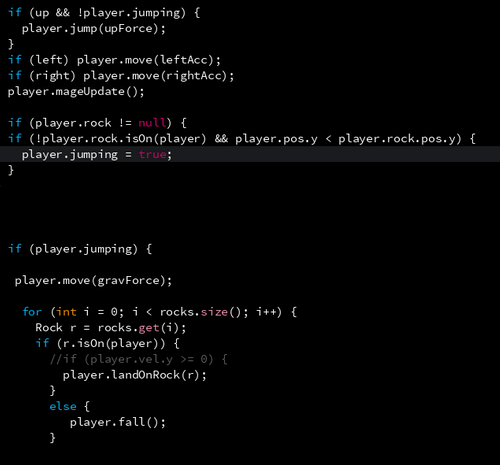
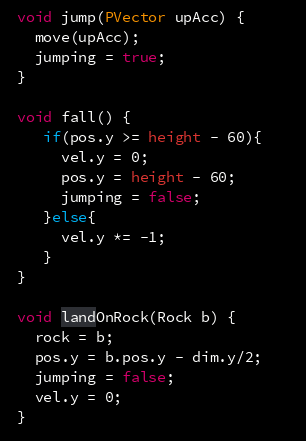
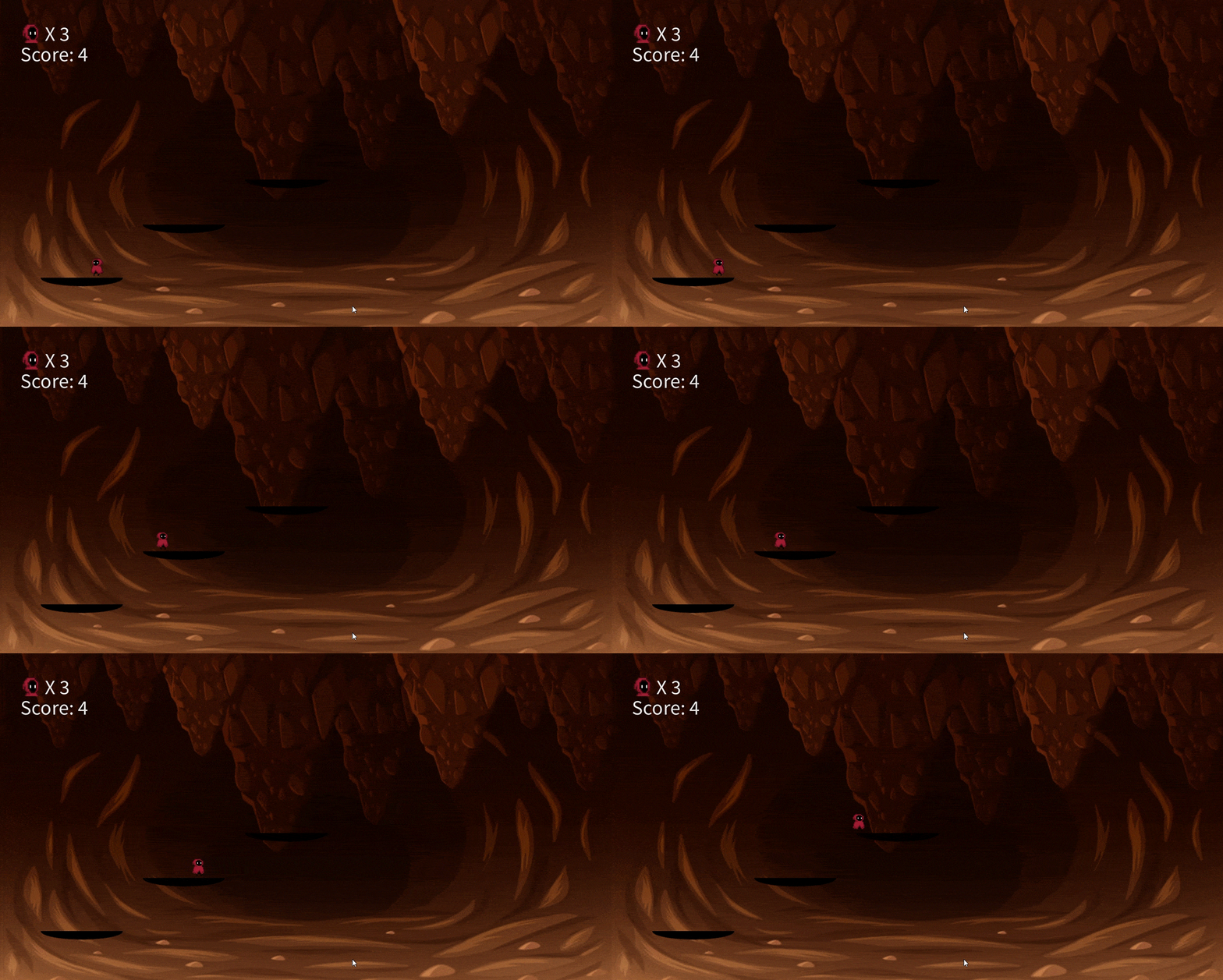
The way the character moves is with boolean variables if the player presses the right, left, or up arrow. The left and right arrow makes the character walk and the up arrow makes the character jump. The most difficult movement to code is when the character because when the character was landing it would go through the platform instead of landing on it. I fixed this issue by using an if statement to see if the character is jumping, then a function to move to move the character down representing it is falling. To get the landing correctly I created a function that takes the platform object and sets the Y position of the character to match the position of the platform and stops its falling velocity.
The following code demonstrates the logic of the character’s movement.
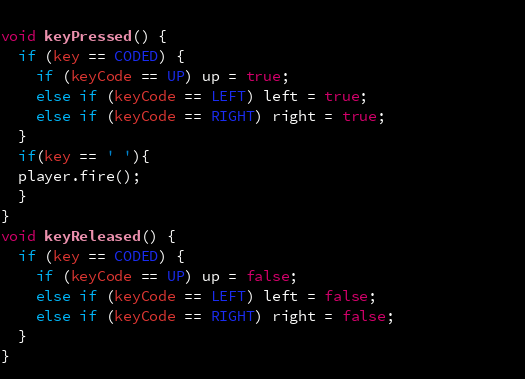
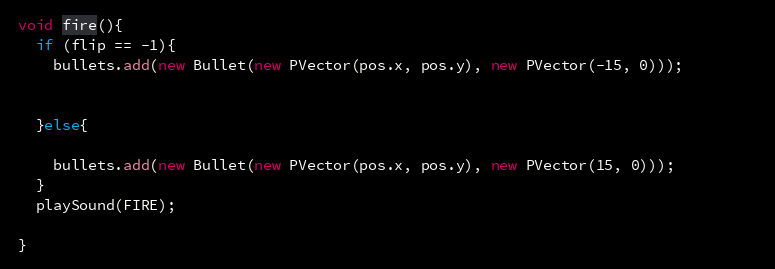
For the character’s action of attacking, I created a new object for the projectiles the character shoots. Using boolean variables to detect if the character was attacking by pressing the space bar, and another one to make the projectile “alive” made it easier to control the projectile’s collision function and its status.
The following code shows the logic behind the character’s attacking function and the projectile’s properties.
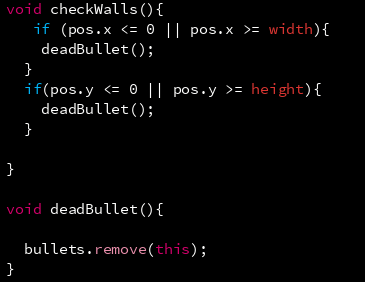
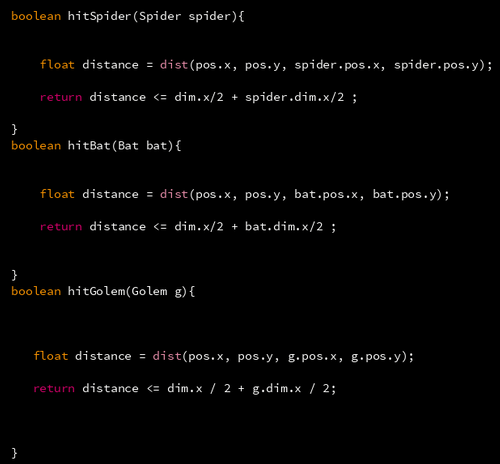
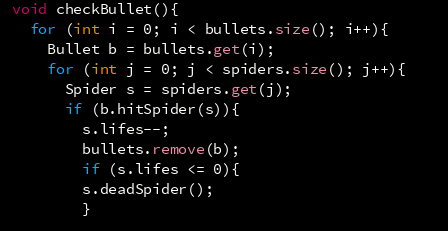
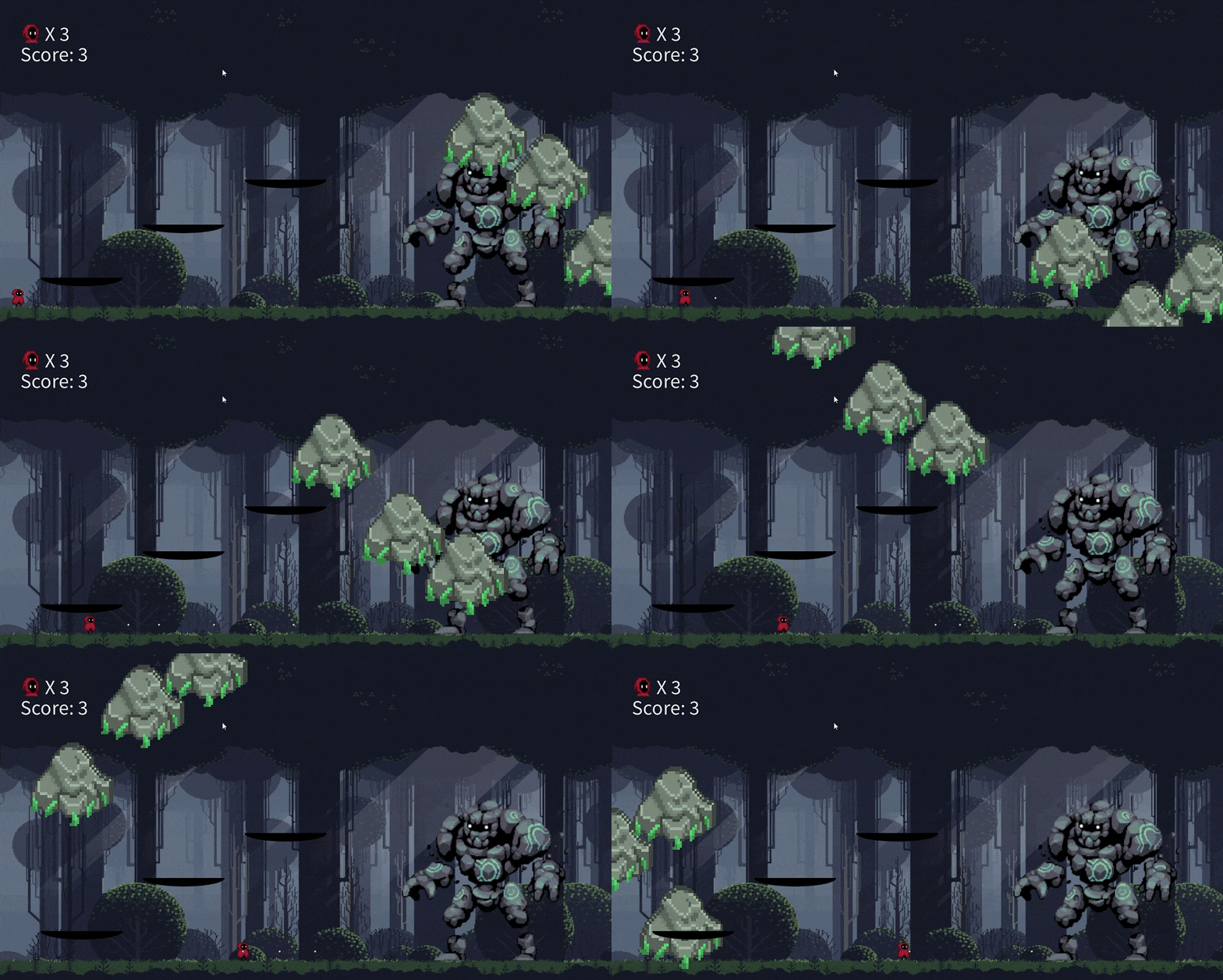
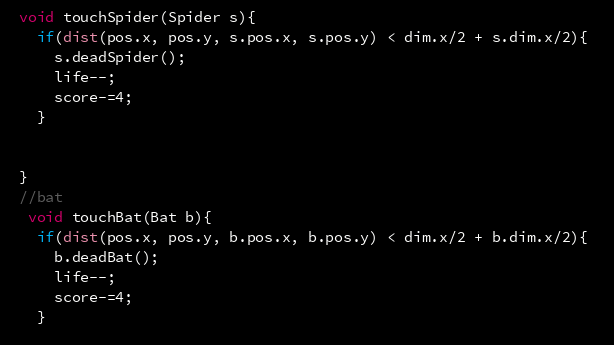
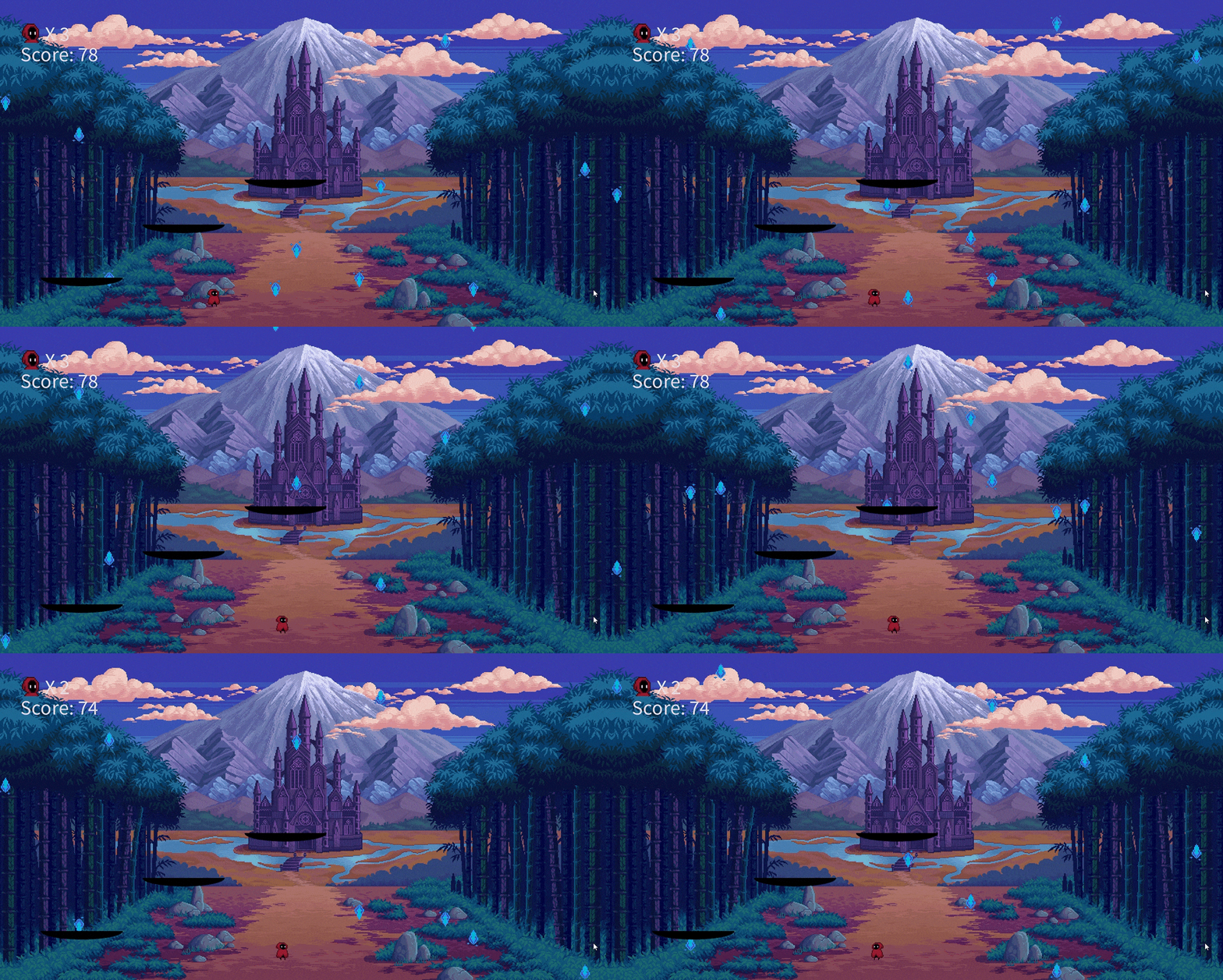
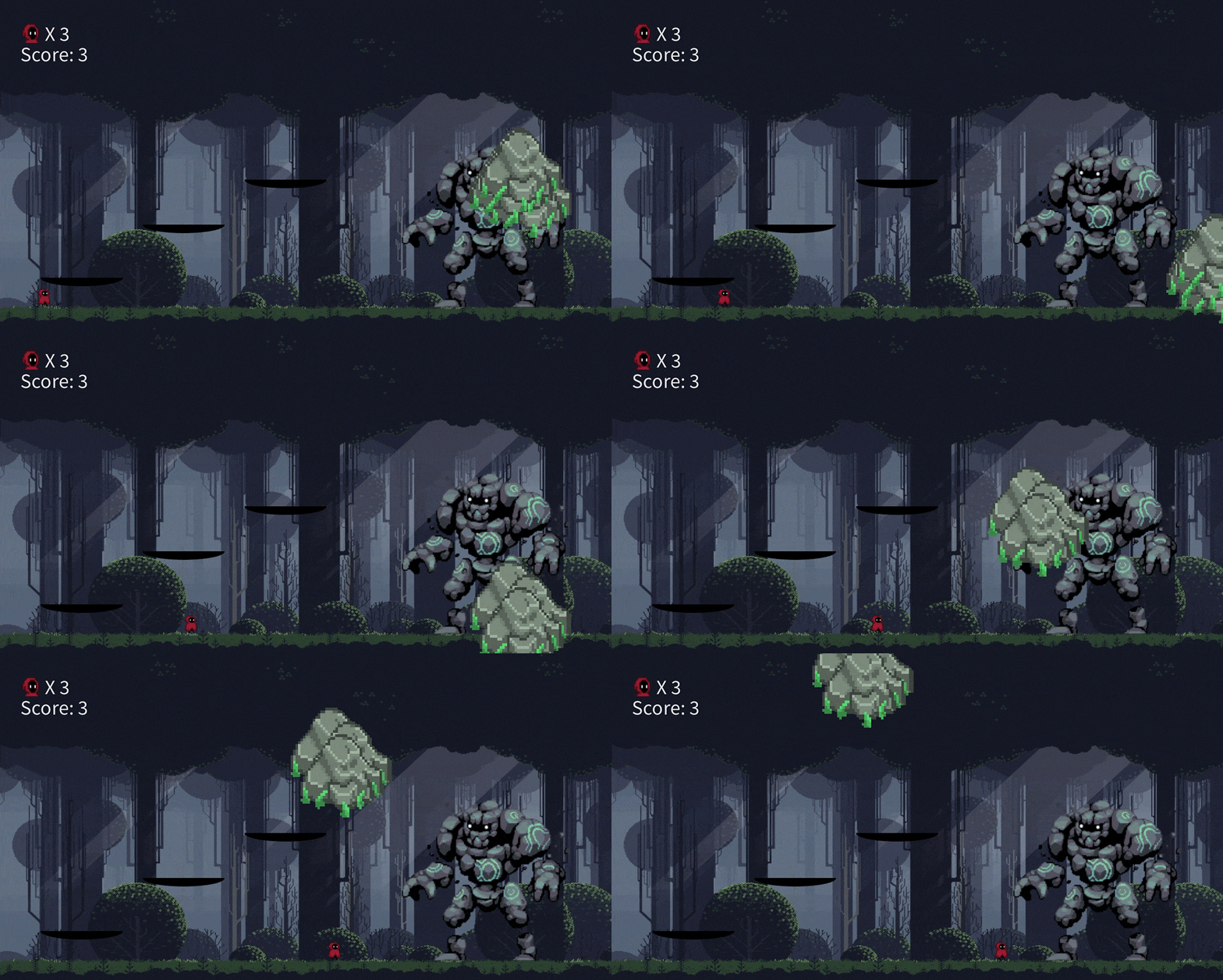
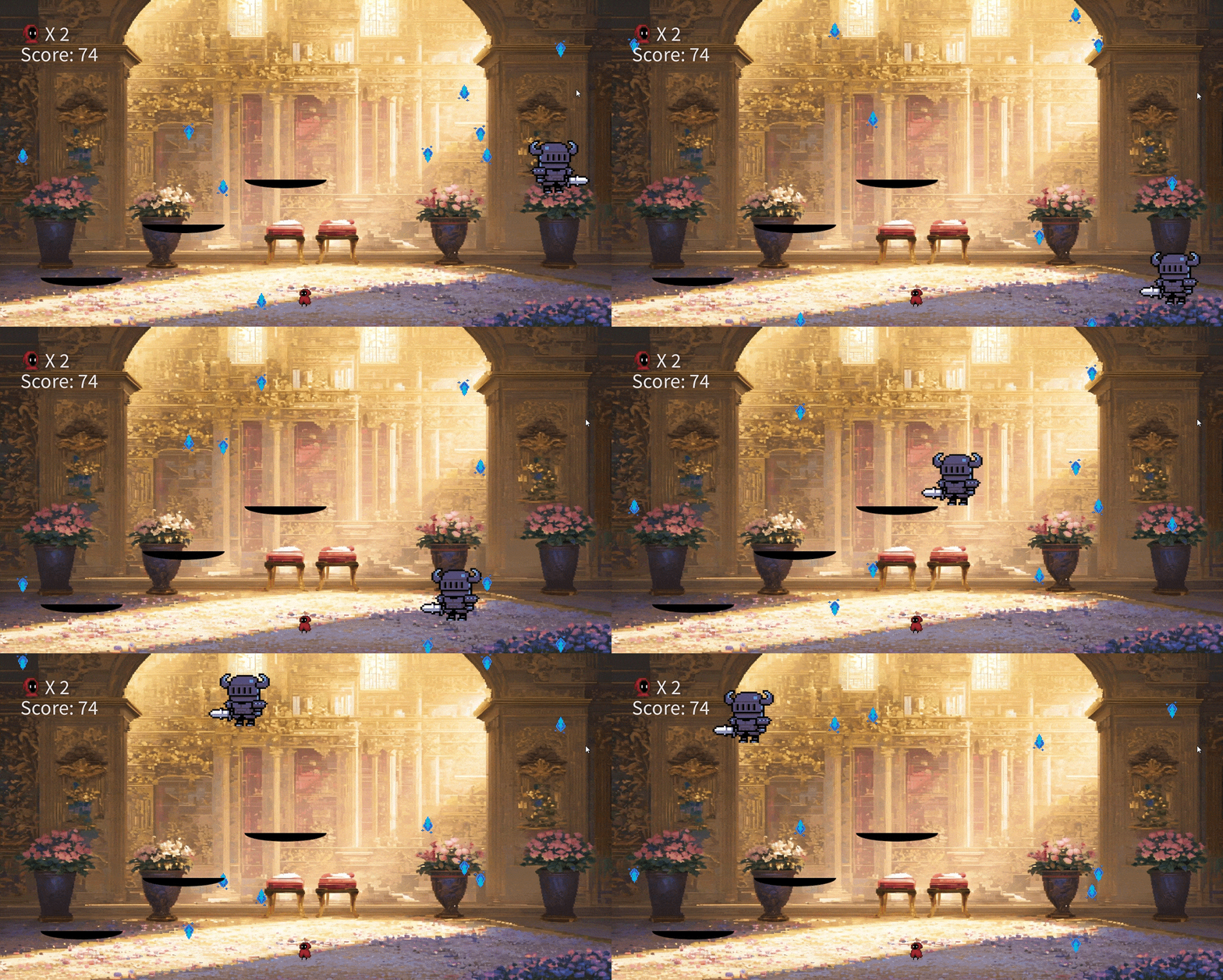
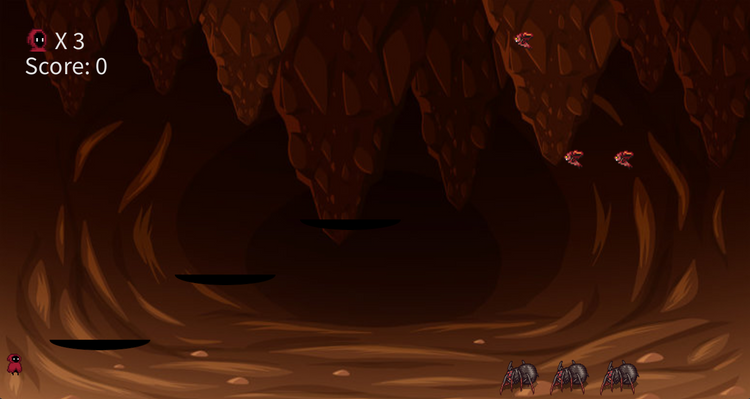
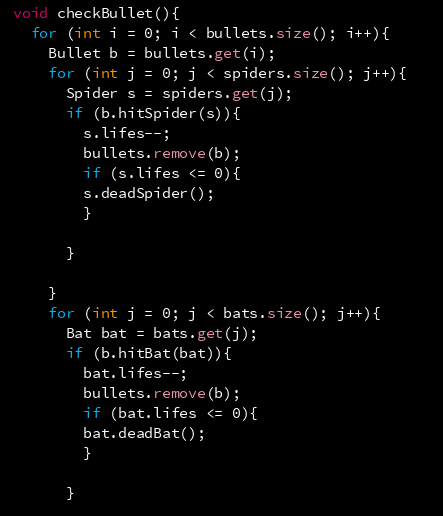
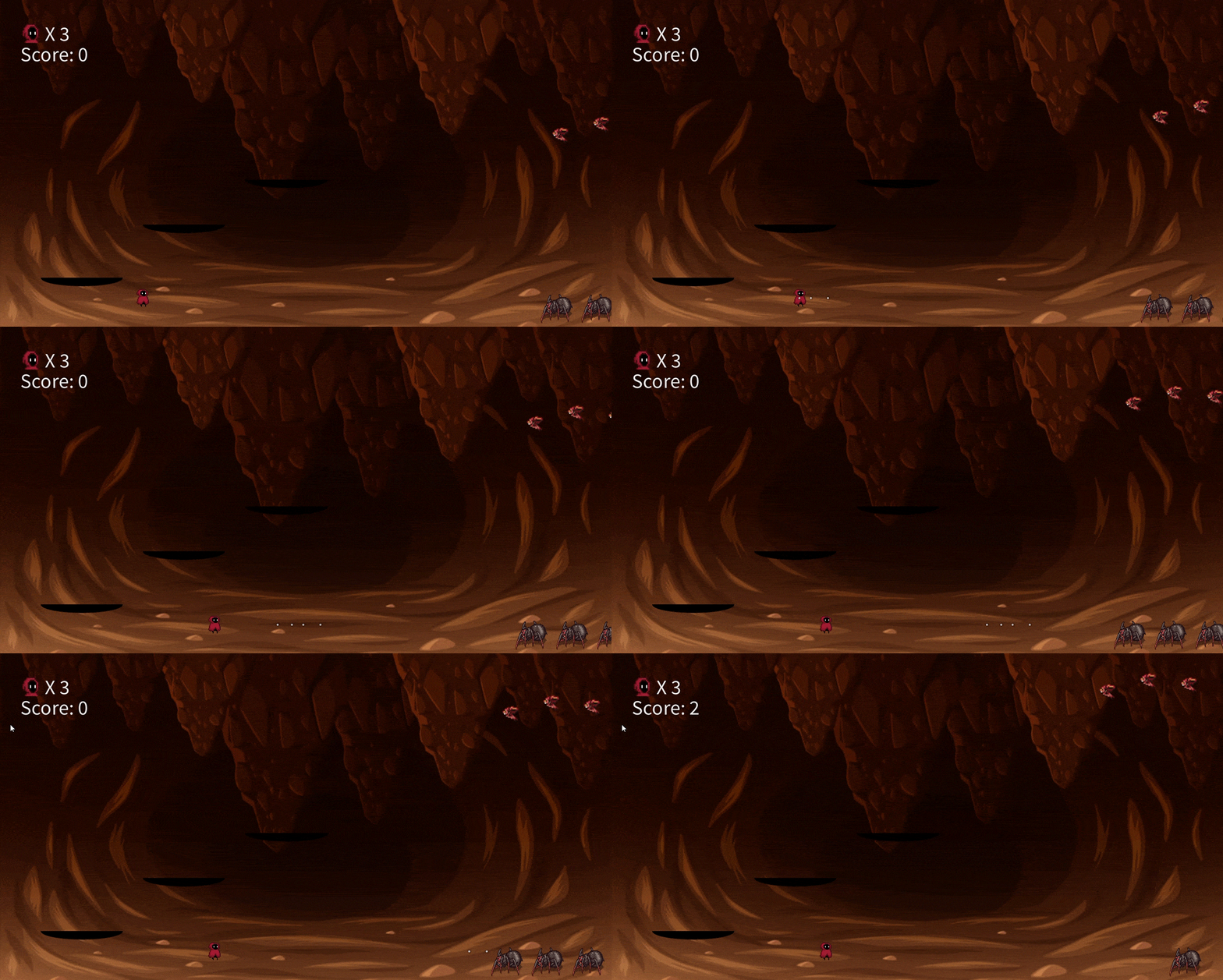
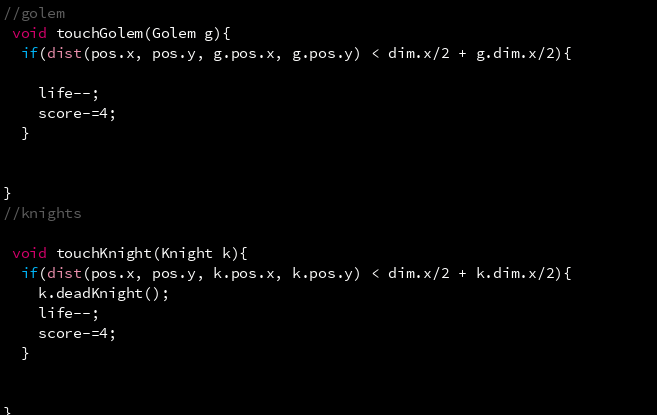
The different enemies in the game have the same interactions which are collisions with the character’s projectile and with the character. When colliding with the character’s attack the enemies take damage and disappear. The Golem and the King, the character needs to attack several times to clear the level. When the enemies collide with the character, the character loses a life and the enemies touched will disappear. Differently, when the character collides with the Golem or the King, the player loses instantly.
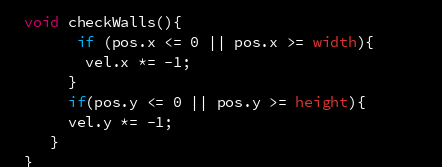
The only two enemies that have different interactions are the Golem who attacks with rocks and the King in the last level who moves randomly through the screen. The golem’s attack is rocks that move through the screen and bounce every time they collide with any side of the screen. What makes the King different from the rest of the enemies is that every time it bounces from any side of the screen its velocity increases making it harder to beat.
The following codes explain the logic behind these collisions and interactions.
Collision between the character’s projectiles and enemies.
Collision between the character and the Golem,
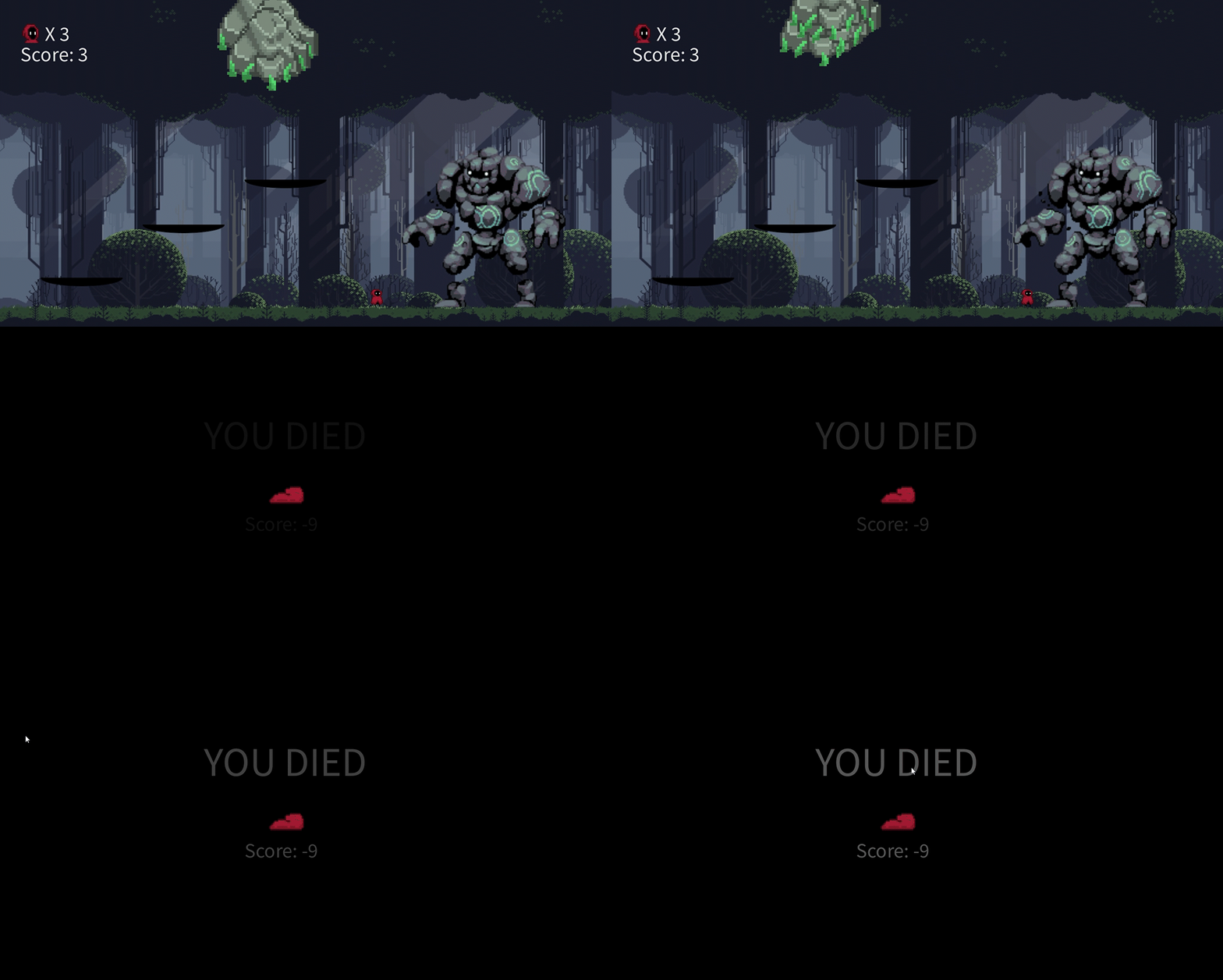
Collision between the Golem’s attack with the walls, and the King with the walls.